Accessing Sigma360
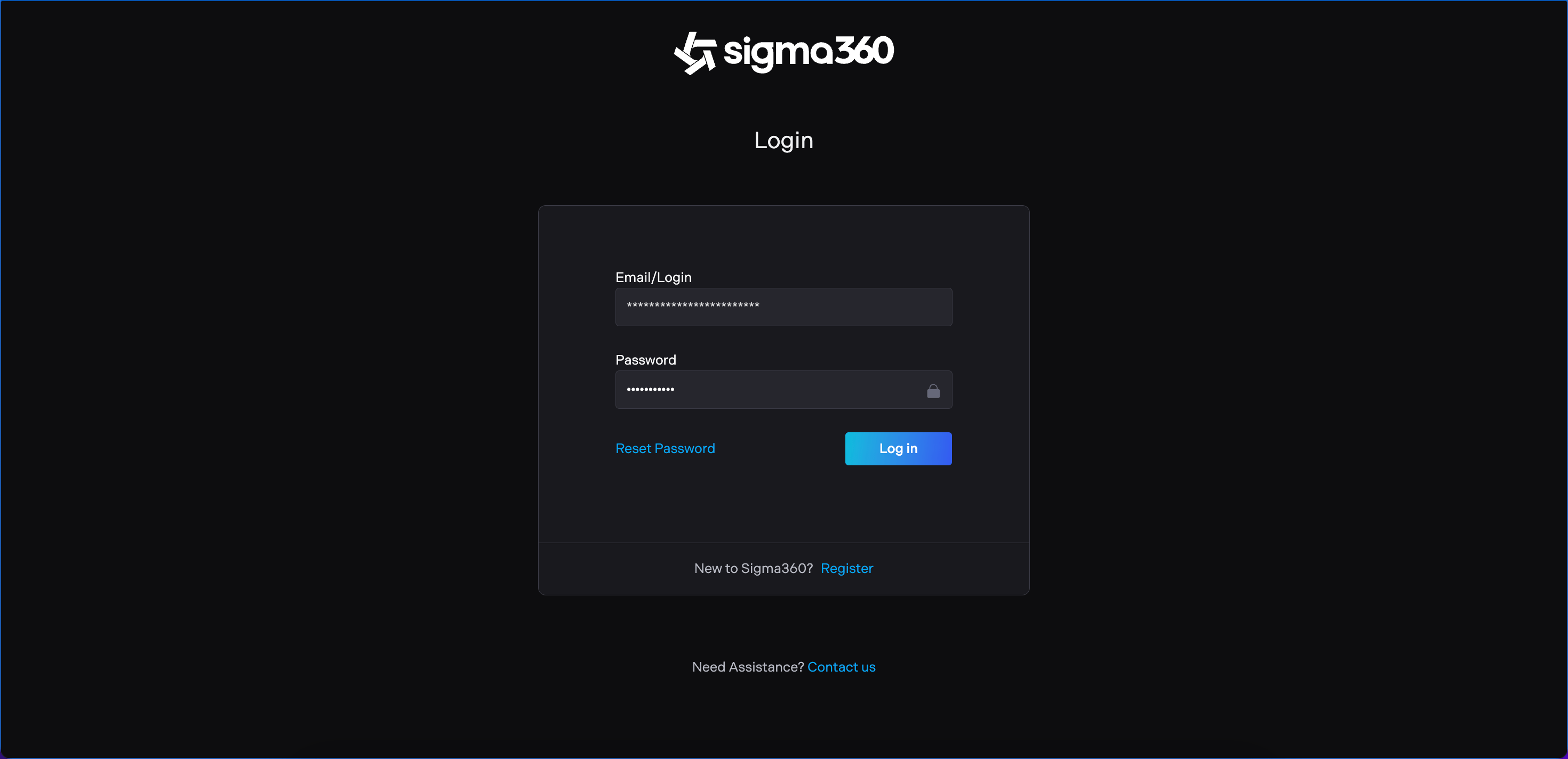
Navigate to https://app.sigma360.com within the web browser. To log in, input the email address and chosen password to the relevant fields and select the 'Log in' button.
Basic navigation
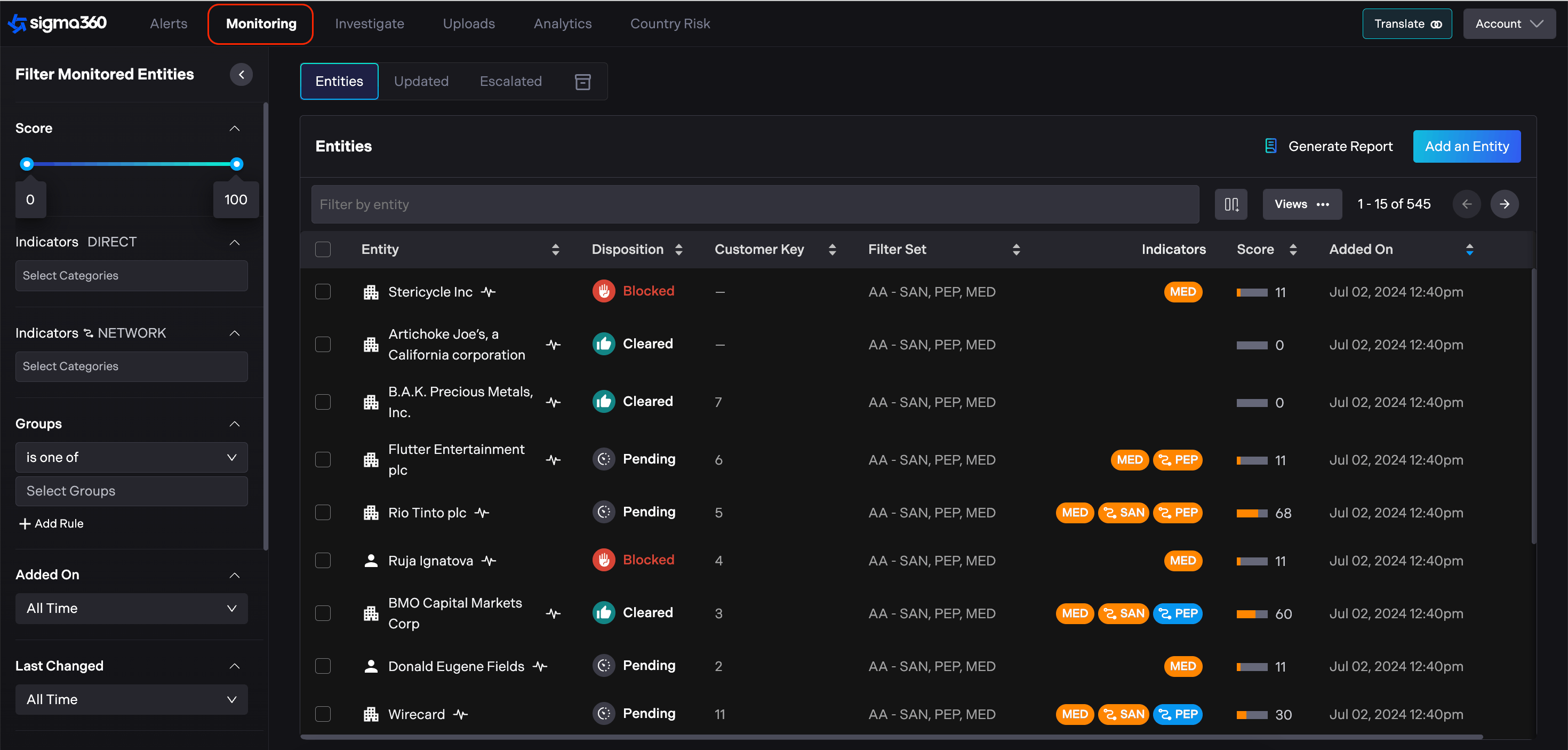
The Monitoring page is the default landing page upon logging into Sigma360. On the top left ribbon, options are available to access Alerts, Investigate, Uploads, Analytics and Country Risk.
Translation
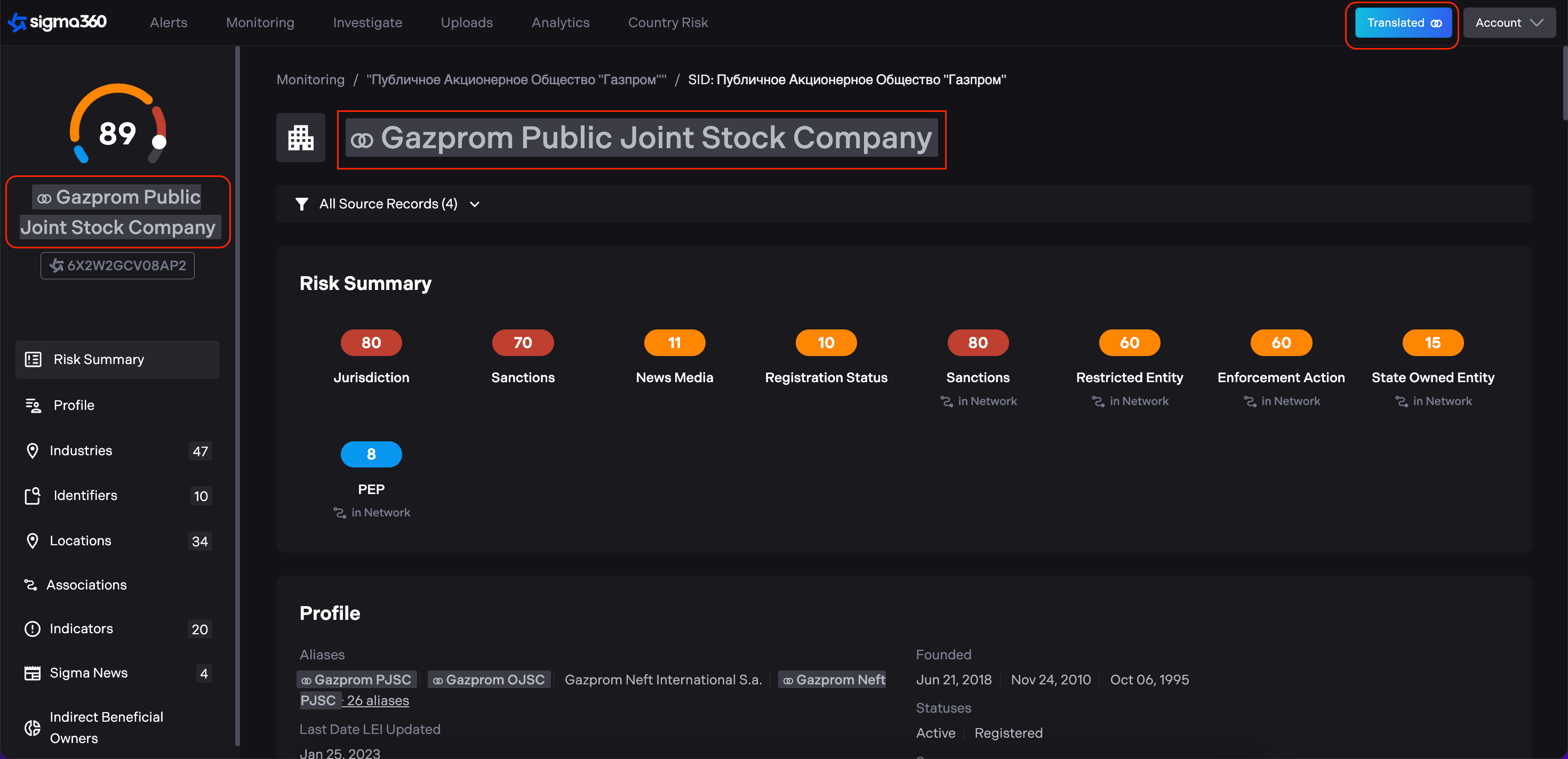
There is an ability to translate text to English when non-English text appears in a result from Sigma360. In order to translate the text, please select the translate button in the top right corner. When enabled, the translate button will translate all non-English text to English on the interface.
Contacting Support
If you encounter any issues while using Sigma360, please reach out with questions or issues to support@sigma360.com.
Live data
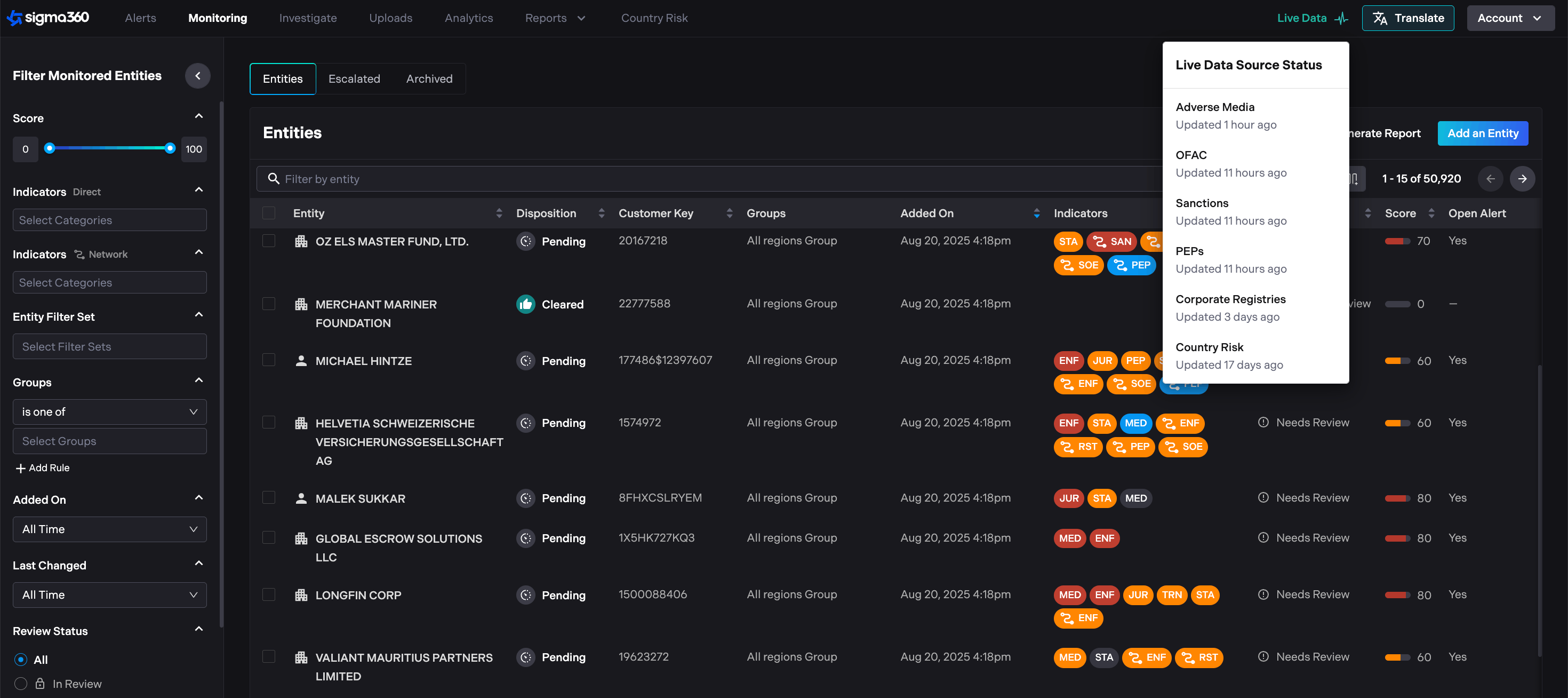
Users can see when and which data sources were last updated in Sigma360, giving them full transparency and confidence that system data is up to date.